How to Convert PDF to Image (JPG/PNG) for Free
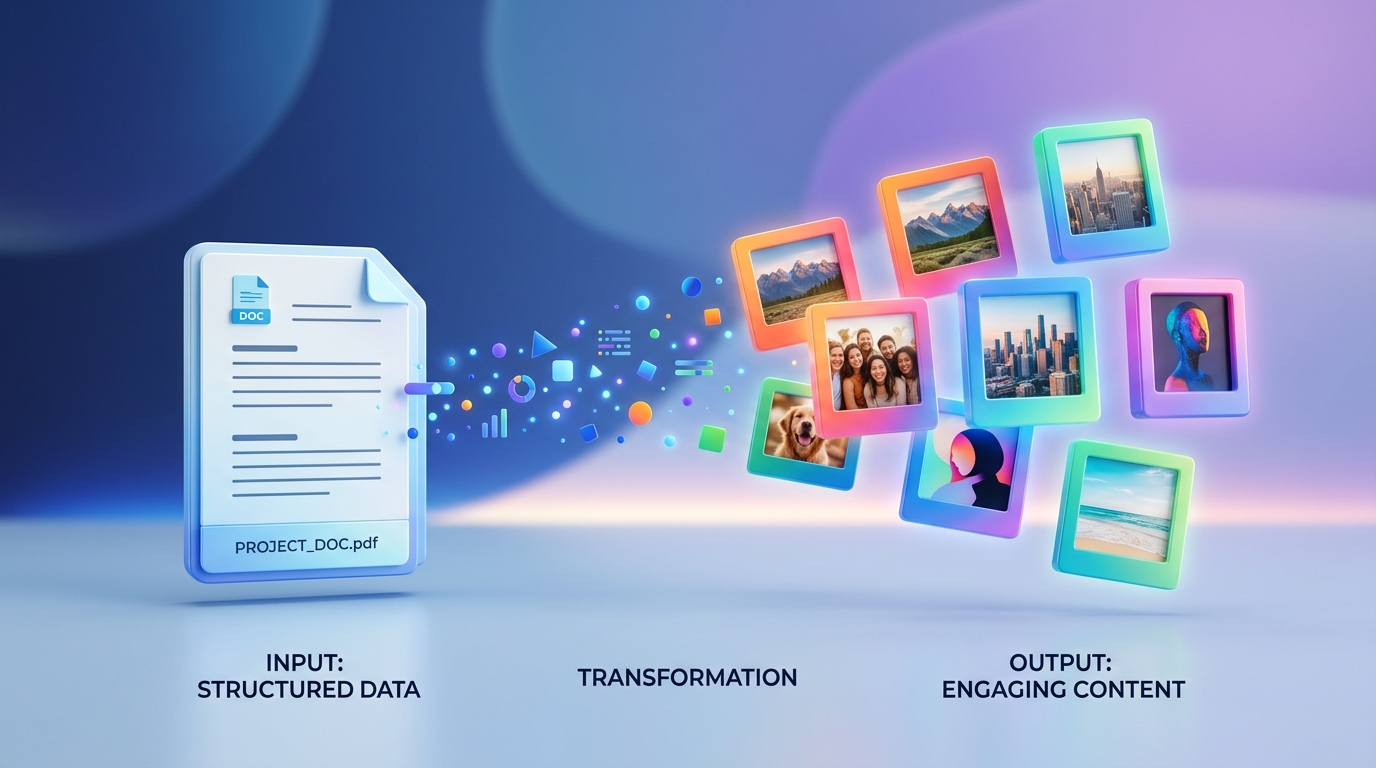
Sometimes you need a document to behave like a picture. Whether you are trying to post a flyer on Instagram, embed a report into a PowerPoint, or just share a quick snippet without forcing someone to download a PDF viewer, converting a PDF to an image is the way to go.
With our PDF to Image tool, you can do this in seconds.
Why Convert PDF to Image?
How to Convert PDF to JPG or PNG
1. Open the free PDF to Image tool.
2. Upload your PDF file.
3. Choose whether you want to extract images embedded inside the PDF, or if you want to turn the entire PDF pages into images.
4. Click convert and download your new high-quality image files.
Summary
Don't struggle with sharing documents on platforms that only accept images. Use our free PDF to Image converter to instantly transform your files.
Ready to optimize your documents?
Try our free PDF tools to convert, compress, and edit your files in seconds. No registration required.